The Annual Rollover: How to Renew Sponsors for Next Year Without Starting Over
Every fall, chamber teams rebuild next year's events and sponsorships from scratch, then chase last year's sponsors one by one. Here's a better way to roll the year forward, with first rights doing the heavy lifting.

There's a week every year that chamber staff quietly dread. Next year's event calendar needs to be built. Every sponsorship has to be recreated with new dates and maybe new prices. And every sponsor from this year needs to hear about renewing before someone else claims their spot.
Done by hand, it's a spreadsheet project that eats days and still misses things. This guide covers how to approach the annual rollover so it takes an afternoon instead of a week, and so your returning sponsors actually renew.
What "rollover" really means
The annual rollover is moving your sponsorship program from one year to the next. It has three parts:
- Rebuild the inventory. Create next year's events and the sponsorships attached to them.
- Protect returning sponsors. Give this year's sponsors a fair chance to renew what they had.
- Tell everyone. Let returning sponsors know their window is open, and let everyone else know when the rest goes on sale.
Most chambers handle the first part reasonably well, even if it's slow. The second and third parts are where revenue gets lost.
Step 1: Decide what carries forward
Before touching any system, review this year's lineup with fresh eyes:
- Which events are coming back? Retire the ones that didn't work rather than rolling them forward out of habit.
- Which sponsorships sold out early? Consider a price increase or an extra slot.
- Which never sold? Rework the benefits or the price, or drop them.
- What new opportunities do you want to add? A new named sponsorship, a year-round partner level, a new event.
This is the same review we recommend after every event in our post on building sponsorship tiers. Doing it before the rollover means next year's inventory starts out better than this year's instead of copying its mistakes.
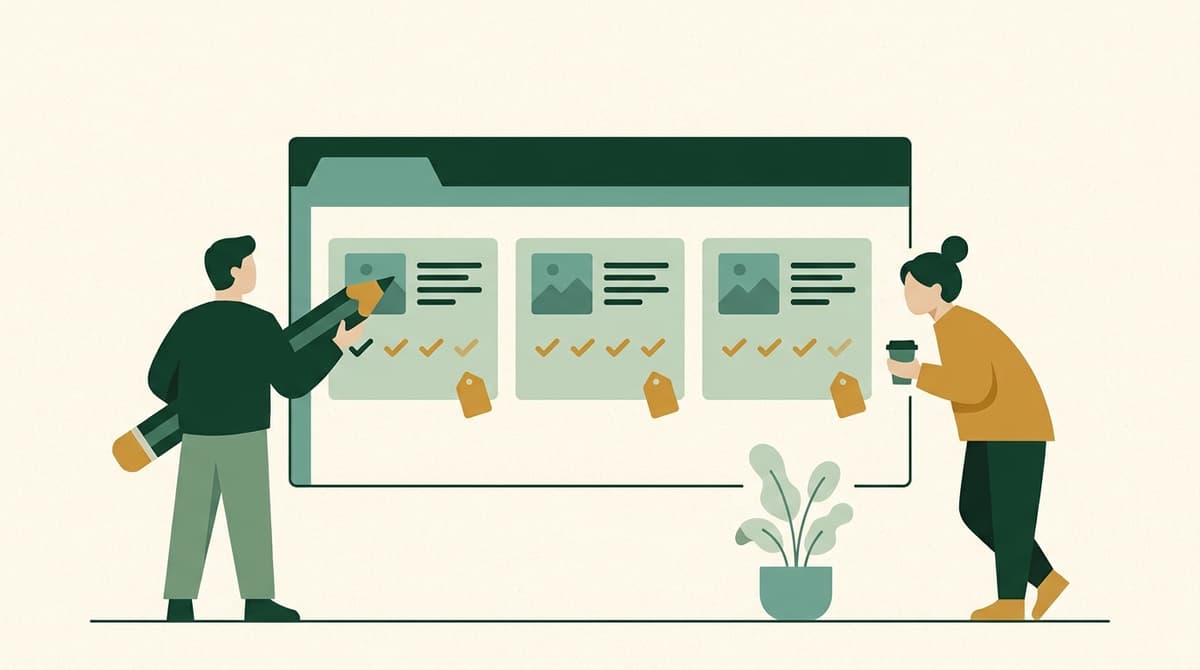
Step 2: Rebuild without retyping
Recreating every sponsorship by hand is where the week goes. It's also where errors creep in: a benefit that didn't get copied, a tier label that changed, a sponsorship that got forgotten entirely.
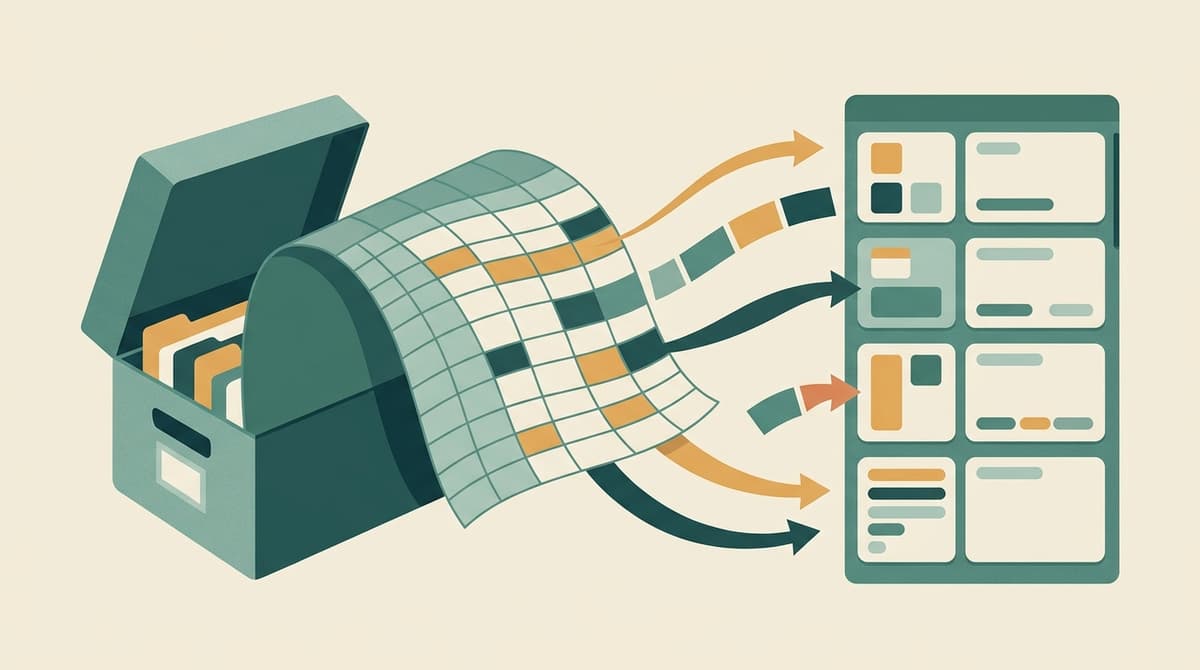
The goal is to clone, not rebuild. Chamberly's annual rollover wizard handles this in three steps:
- Select the source year and the events you want to carry forward, skipping any you're retiring.
- Configure new dates, adjust prices, and confirm first-rights windows for each event.
- Launch the new year, with a summary of everything that will be created before you commit.
Rollover creates new records for the new year. This year's events and their history are never modified, so your reports for past years stay intact. And if you only need to copy a single event, the clone-event action we added in June duplicates an event and all its sponsorships in one click.
Step 3: Give returning sponsors first rights
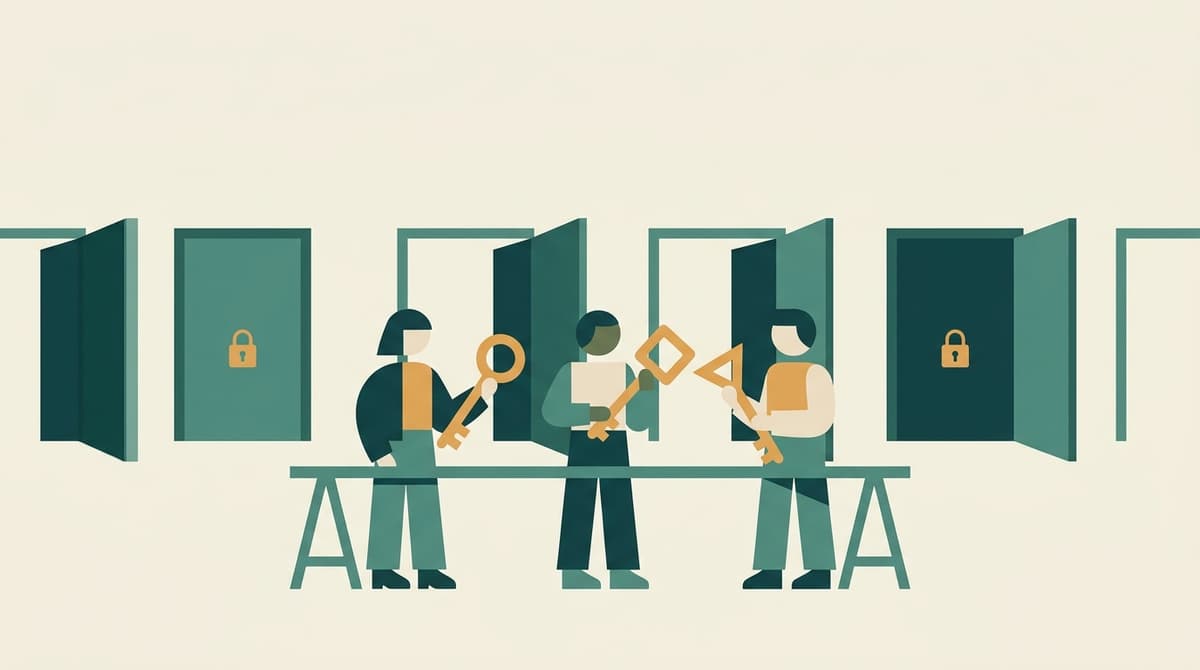
This is the most important step for revenue. A business that sponsored your gala this year is the most likely buyer of that same sponsorship next year. But "most likely" isn't "certain." If they don't hear from you in time, or if another business grabs the spot first, you risk losing a loyal sponsor and damaging the relationship.
First right of refusal solves this. Each returning sponsor gets an exclusive window to renew their sponsorship before it opens to everyone. When the window closes, anything not renewed becomes available automatically.
A few decisions to make:
- How long is the window? Long enough for a business to get approval internally, short enough that unclaimed sponsorships have time to sell. Many chambers land somewhere between two and six weeks.
- Is renewal automatic or opt-in? Some chambers assume a returning sponsor is "back in" unless they decline. Others require an active renewal. Pick the approach that matches how your sponsors behave.
- What about price changes? If a sponsorship's price went up, say so clearly in the renewal message. A surprise at checkout is worse than an honest heads-up.
In Chamberly, returning sponsors are pre-linked to the sponsorships they held, and the transition from first rights to public sale happens on schedule without anyone having to remember to flip a switch.
Step 4: Communicate in two waves
Rollover communication works best as two distinct messages:
- To returning sponsors: "Your sponsorship for next year is reserved for you until [date]. Here's what it includes and how to renew." Personal, specific, and with a clear deadline.
- To everyone else: "Next year's sponsorships open on [date]." Sent when the first-rights windows close, pointing to your storefront.
Add a reminder to returning sponsors partway through their window, and another a few days before it closes. These are exactly the emails that fall through the cracks when they depend on staff remembering. With email automations, they go out on schedule.
This is also a good moment to offer your top sponsors an annual package that bundles everything they did this year. We covered how to build those in last week's post on selling the year instead of the event.
A rollover timeline
Every chamber's calendar is different, but here's a pattern that avoids the fall crunch:
| When | What |
|---|---|
| Late summer | Review this year's results. Decide what carries forward, what changes, and what's new. |
| Early fall | Run the rollover. Set dates, prices, and first-rights windows. |
| Fall | First-rights windows open. Returning sponsors hear from you, ideally before their own budgets are set. |
| Late fall | Windows close. Remaining sponsorships open to all members. |
| Winter onward | Promote remaining inventory event by event. |
The earlier you run the rollover, the more of next year's revenue is committed before the new year even starts. That also makes next year's budget much easier to build.
The takeaway
The annual rollover doesn't need to be a week of spreadsheets and a pile of forgotten follow-ups. Review what worked, clone instead of retyping, protect your returning sponsors with first rights, and let automated reminders handle the follow-through. Your October will thank you.
Want to walk through a rollover with your own event lineup? Book a demo, or explore the Playground to see first rights from the sponsor's side.