Switching Sponsorship Systems Mid-Year Without Losing a Sponsor
There's never a perfect time to change systems, and waiting for January usually means another season of spreadsheets. Here's a practical plan for moving your sponsorship program mid-year while keeping every commitment intact.

Almost every chamber that talks to us about switching says the same thing: "We'd love to, but we're in the middle of the year. Let's revisit in January."
It's a reasonable instinct. You have sponsors who've already committed, events on the calendar, and first-rights promises you made last year. Nobody wants to be the person who dropped one of those in a migration.
But January has its own crunch, and it keeps moving. The chambers that switch successfully usually do it when they decide the current process is costing more than the change would. Here's how to do it mid-year without losing a sponsor or a promise along the way.
1. Decide what "done" looks like before you start
A migration goes sideways when it tries to move everything at once. Pick a narrow definition of success for the first month:
- Every business with an active sponsorship or first-rights claim exists in the new system.
- Every upcoming event with unsold sponsorships is live on the new storefront.
- Staff know where to look when a sponsor calls.
History, past events, and nice-to-have reports can follow. The goal is continuity for sponsors, not a perfect archive on day one.
2. Clean the list you already have
Your member and sponsor data is probably spread across a membership database export, a sponsorship spreadsheet, and someone's inbox. Before importing anything, spend an hour on cleanup:
- One row per business, with a primary contact name and email. Duplicates are the most common source of confusion after a move.
- Current emails. A sponsor who never gets their invite is a sponsor who calls you confused in three weeks.
- A clear list of first-rights holders: which business, which sponsorship, and when their window closes.
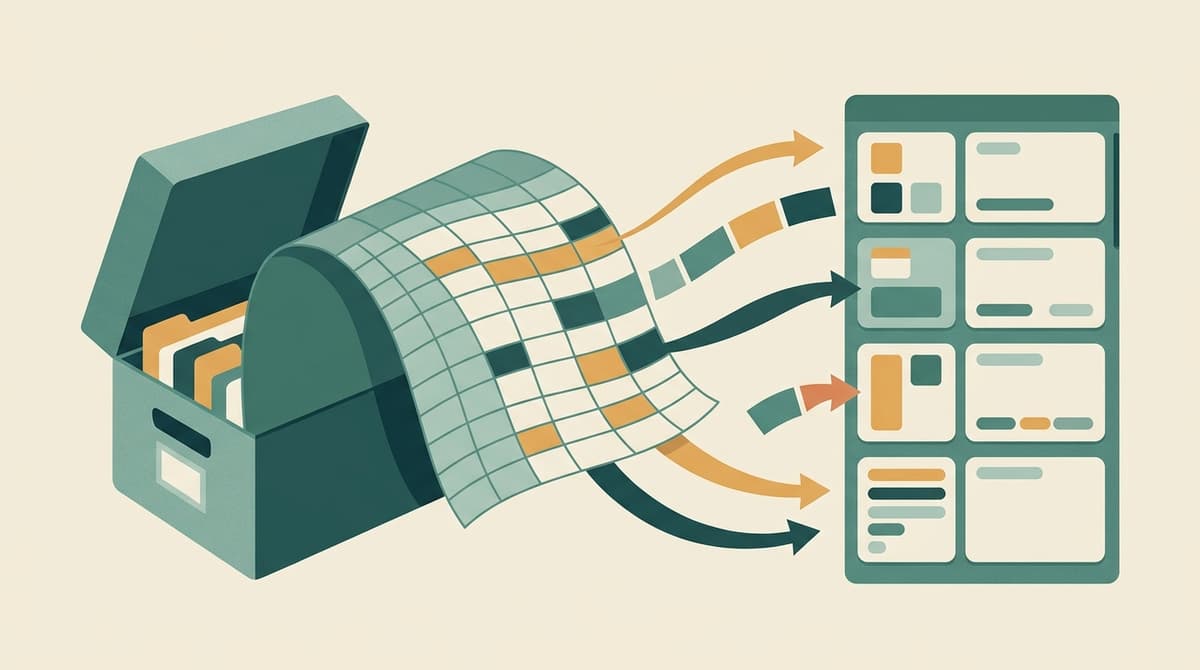
You don't have to reformat everything into a special template. Chamberly imports CSV and Excel files, including older .xls workbooks, and shows preview errors before anything is written so you can fix a bad row instead of discovering it later. Once the import finishes, the counts tell you exactly how many businesses and members were added.
3. Rebuild what's still for sale
You don't need to recreate every past event. Focus on events with sponsorships still to sell, plus any standalone sponsorships like newsletter placements or monthly spotlights.
Two shortcuts help here. If an event is similar to another, clone it with its sponsorships in one step and adjust the dates and prices. And if you use the same benefits across many sponsorships ("logo on event banner," "two tickets to the luncheon"), define them once in the benefits library and reuse them.
For sponsorships that are already sold, record the orders so the storefront shows accurate availability. If a sponsor gave you goods or services instead of cash, record it as an in-kind sponsorship so it counts toward their recognition without inflating your cash revenue.
4. Carry over first rights exactly as promised
This is where trust is won or lost. If a sponsor was told last year that they get first right of refusal on the golf tournament title sponsorship, that promise has to survive the move.
Chamberly supports bulk first-rights assignment from a spreadsheet, so you can load every holder at once rather than clicking through them individually. Each sponsorship then stays reserved for its holder through the window you set, sends them reminders, and opens to everyone else automatically if they pass. If a holder needs a little more time, "reserve beyond first rights" keeps their hold active after the window closes.
Before you tell sponsors about the new system, spot-check a few holders by using View As to see the storefront exactly as that business sees it. If their reserved sponsorship shows up for them and not for others, you're in good shape.
5. Invite members on your schedule, not the software's
A common worry: "If we import 400 businesses, will they all get an email at once?" They don't have to. You can add members without sending the welcome email and send invites whenever you're ready, individually or in bulk.
A sequence that works well:
- Staff first. Invite your team, have them sign in, and click around.
- Your top sponsors next. A personal heads-up email from the executive director, followed by the invite.
- Everyone else once you're confident, with a short announcement explaining what's new and why it's easier for them.
Invite links carry your chamber's branding and keep working until they're used, so a member who opens the email a week later isn't stuck with an expired link. If someone does get locked out, you can reset their password from the Members list instead of routing them through support.
6. Run both systems for one event, then stop
It's tempting to keep the old spreadsheet running "just in case." That usually means double entry and two sources of truth. Instead, pick one upcoming event as your crossover. Sell it entirely in the new system while keeping the old records read-only for reference. Once that event closes cleanly, retire the old process.
7. Tell sponsors what changes for them
From a sponsor's point of view, the change should be good news. Keep the message short:
- You can now see and claim available sponsorships any time, without waiting for a call back.
- Your first rights are protected and you'll get reminders before your window closes.
- You can pay online or reserve now and pay by invoice, whichever you prefer.
That last point matters for sponsors whose finance departments pay by check. Reservation mode means nobody is forced to use a card.
What about the books?
If your bookkeeper uses QuickBooks Online, connect it once and new orders post as invoices automatically. You can also backfill past orders in one click, which is handy after a mid-year import. If they'd rather review a file first, the QuickBooks CSV export is still available.
The mid-year advantage
Switching mid-year has one real upside: you're moving with a live season to test against, and by the time renewals come around, your team has months of practice with the new system. The annual rollover then becomes a feature you use, not a migration you survive.
If you'd like a second pair of eyes on your spreadsheet before importing, book a demo and bring it along. Or try the Playground to see what your storefront and first-rights flow will look like before you commit.