Sponsorship Emails That Get Opened: Subject Lines, Timing, and Tracking for Chambers
Your sponsorship emails are competing with every vendor pitch in your members' inboxes. Here's how to write subject lines that earn the open, send at sensible times, and use open and click data to get better with each send.
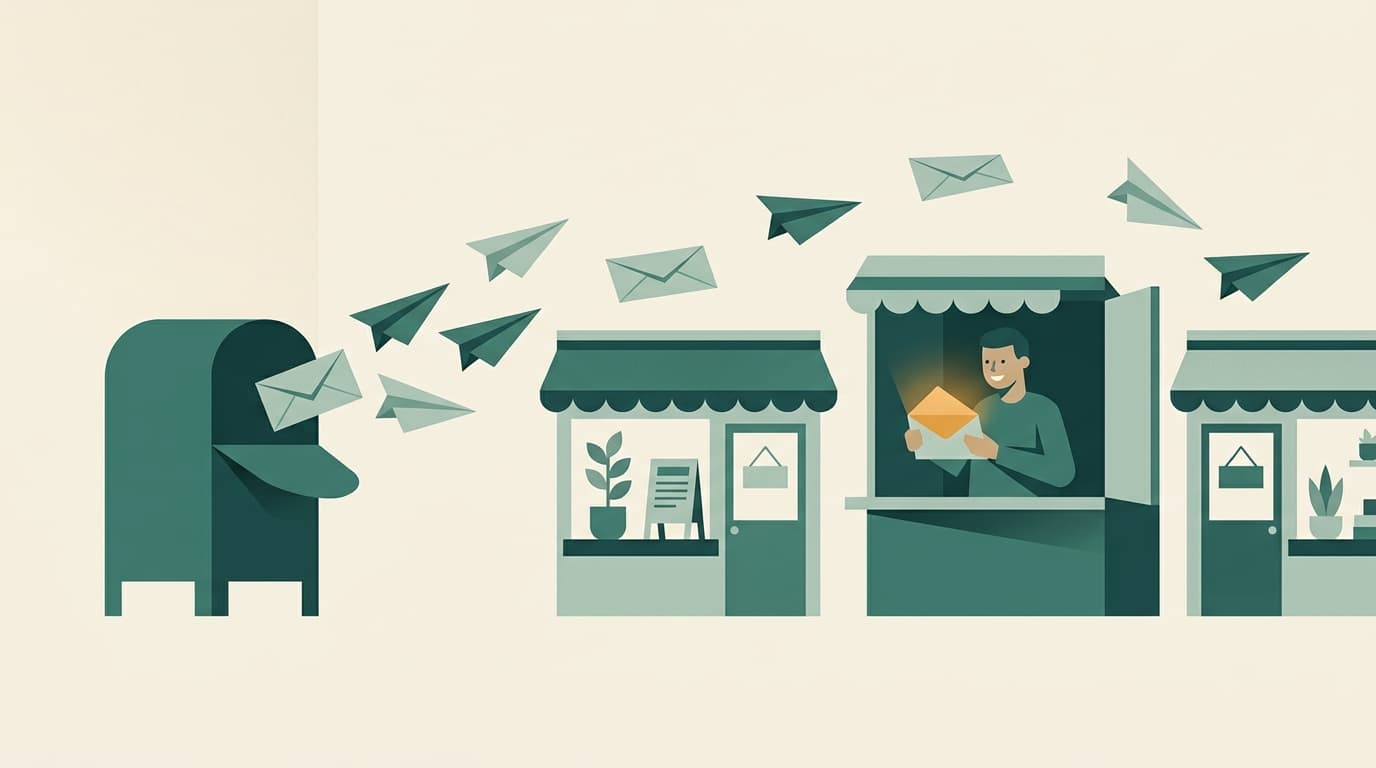
A sponsorship email has one job: get the right business owner to look at the right opportunity while they still have budget. Most of the work of that happens before anyone reads a word of the body. It happens in the inbox, in the half second someone decides whether your email is worth opening.
Here's what we've learned about writing and sending sponsorship emails that get opened, and how to use your own data to keep improving.
The sender name matters more than the subject line
People open email from people and organizations they recognize. "Jane at the Chamber" or "Riverside Chamber" is instantly familiar. "noreply" or a generic system name is not.
A few practical rules:
- Match the sender to the message. A renewal nudge to a long-time sponsor lands better from the executive director or the staff member who manages that relationship. A general "new sponsorships available" announcement can come from the chamber.
- Make replies go somewhere real. Sponsors often reply with questions. If that reply disappears into a mailbox nobody checks, you've lost a warm lead.
- Send from your own domain when you can. Email from your chamber's domain looks more trustworthy to both people and spam filters.
In Chamberly, you can set a Reply-To and BCC address that apply to every outgoing email, and choose a different sender for any individual campaign with "Send as." Enterprise chambers can also connect and verify their own sending domain from the white-label settings.
Subject lines that earn the open
Good sponsorship subject lines are specific, short, and about the reader. Some patterns that work:
- Name the event. "Title sponsor for the Fall Gala is open" beats "Sponsorship opportunities."
- Use real scarcity, never fake scarcity. "2 of 6 hole sponsorships left" is useful information. "Last chance!!!" on the first send erodes trust.
- Personalize with the business, not just the first name. "Your first right on the Golf Classic closes Friday, Acme Plumbing" tells them immediately why this email is theirs.
- Front-load the point. Many people read email on a phone. Put the important words in the first 40 characters.
Avoid all caps, strings of exclamation points, and words like "free" or "act now." They read as spam to people and to filters alike.
Timing: when to send, and how often
There's no universal best hour, and anyone who promises one is guessing about your members. What does hold up is a sensible sequence tied to each event:
- First-rights notice to returning sponsors, with a clear deadline.
- A reminder a few days before their window closes.
- Public announcement to the full membership when sponsorships open to everyone.
- A "what's left" update partway through the sales window, listing only what's still available.
- A final call shortly before sales close.
Automations handle the first two for you, so returning sponsors get their notices without anyone remembering to send them. The rest can be campaigns you build from a saved template, which saves rebuilding the same email every event.
Most chambers find weekday mornings a safe default. Then let your own numbers tell you whether your members behave differently.
Don't let deliverability undo your work
An email that lands in spam can't be opened. The basics:
- Keep your list clean. Remove bounced addresses and people who asked not to be emailed.
- Include a plain-text version. Chamberly sends a plain-text part with every email automatically, which helps with some filters.
- Go easy on images. An email that's one big graphic often looks like spam and says nothing when images are blocked. Use real text for the important parts.
- Use video thoughtfully. A short clip from last year's event is great, but link to it rather than embedding a heavy file. Chamberly's Video block pulls the YouTube, Vimeo, or Loom thumbnail automatically and links through.
Measure every send
This is where most chambers have been flying blind. You send an email, a few sponsorships sell, and you're not sure which part worked.
As of this month, Chamberly's Email Log has a Performance tab that shows delivered, opened, and clicked rates for every send over the last 30 days, 90 days, or all time. Click a row to see the individual emails behind it. Open tracking is now on for all chamber email going forward. Sends before September 8 show clicks only, so give it a few weeks to build up comparable history.
A few ways to use it:
- Compare subject lines across similar sends. If your "what's left" update had a much higher open rate when it named the event, that's your answer for next time.
- Watch clicks more than opens. Opens tell you the subject line worked. Clicks tell you the email made someone want to look at a sponsorship.
- Look for fatigue. If open rates slide across a series, you may be sending too often or saying the same thing twice.
- Export when you need to. The Email Log exports to CSV if your board or marketing committee wants the numbers in a report.
Write the body for skimmers
Once they open, keep it simple:
- One sentence on the event and why it matters to their business.
- Two or three sponsorships with price and the headline benefit.
- One clear button to the storefront.
- A name and phone number for anyone who'd rather talk.
Merge tags like the business name and your chamber's contact details fill in automatically, so each sponsor gets an email that reads like it was written for them.
Start with your next send
Pick one upcoming sponsorship email. Rewrite the subject line to name the event and the opportunity, send it from a real person, and check the Performance tab a week later. Small, specific changes compound quickly when you can see the results.
Want to see the email tools and Performance tab in action? Book a demo, or read more about email automations in Chamberly.