What's New in Chamberly: July 2026
July brought a share kit for every sponsorship, drag-to-reorder display order, event pages that stay up during Stop Sales, a Sold by roster with a sales credit report, and in-kind sponsorships.
July was about two things: helping sponsors spread the word, and giving chambers a clearer picture of who is actually bringing in sponsorship revenue. Here's what shipped, why it matters, and where to find it. The full history lives on our changelog.
Sponsorship sharing and display order (v1.6.0, July 15)
A share kit for every sponsorship
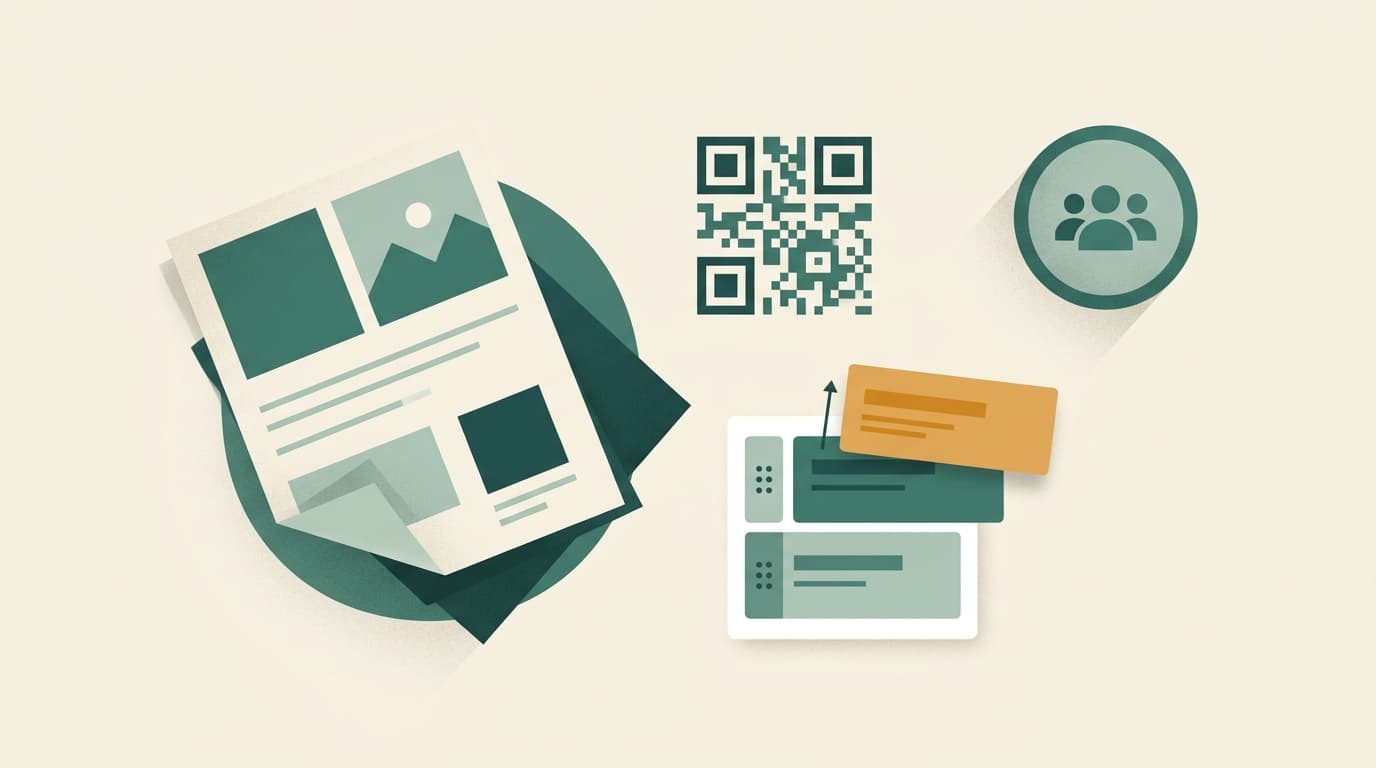
Events and packages already had share tools. Now every individual sponsorship does too. From a sponsorship, you can generate:
- A PDF flyer for that single opportunity, ready to attach to an email or print for a meeting.
- A QR code that goes straight to the sponsorship on your storefront. Useful on printed materials, table tents, and slides at events.
- Share links you can drop into an email, text, or social post.
There's also a Share button right on the sponsorship edit form, so you don't have to leave what you're doing to send one out. When a board member says "I know someone who'd love the presenting sponsorship," you can hand them a flyer and a link in a few seconds.
Control the order sponsorships appear in
Each event now has a sort mode for its sponsorships, including a manual option with drag-to-reorder. Put your presenting sponsorship at the top, group the table sponsorships together, and push the small add-ons to the bottom. The order you set is the order members see on the event page.
This came directly from chambers who wanted their event pages to read like their printed prospectus, with the premium opportunities first.
Event pages stay visible during Stop Sales
When an event is inside your chamber's Stop Sales window, its page no longer disappears. Visitors now see the event with a clear notice that sponsorship sales have closed. Purchases are still blocked, exactly as before, but people following an old link can still find the date, location, and details. We wrote more about choosing a sales deadline in our post on Stop Sales, cutoffs and lockouts.
Sales attribution and in-kind sponsorships (v1.7.0, July 29)
"Sold by": credit the person who made the sale
Plenty of chamber sponsorships are sold by someone other than the member who clicks the button. A staff member, an ambassador, or a board member makes the call, and the member checks out later. Until now, that relationship was invisible in the data.
You can now set up a Sold by roster of the people who sell sponsorships for your chamber. The picker appears on the cart, at checkout, and on quick-reserve, so the credit is captured at the moment of purchase. Admins can also set or correct it on the order.
A new Sales Credit report totals sales by person, so you can see who is carrying your sponsorship program, recognize your top ambassadors, or run a friendly competition during your membership drive. The Sold by value is also available in exports and as an email merge tag.
Record in-kind sponsorships
Not every sponsor pays in cash. The caterer who provides lunch, the printer who donates the programs, and the venue that waives its fee are sponsors too, and they deserve the same recognition.
Admins can now record an in-kind sponsorship directly. You add a description of what was contributed and its value. The order is committed like any other sponsorship, so the sponsor appears with the rest of the event's sponsors. Its value counts toward the sponsor leaderboard, but it is never counted as cash revenue in your reports. Your revenue numbers stay honest, and your in-kind partners still get credit.
We'll dig into how to handle in-kind sponsorships well, including how to value them, in an upcoming post.
Smaller fixes
- Long sponsorship names in the cart now wrap instead of being cut off, so members can see exactly what they're buying.
Why these matter together
Share kits make it easier for more people to sell. Sold by makes sure those people get credit. In-kind recording makes sure every kind of sponsor shows up. Taken together, they turn sponsorship sales from something one staff member does into something your whole network can help with, and you can see the results.
Coming up
We're continuing to work on the things chambers ask about most: keeping the storefront tidy as events pass, making invites and sign-in smoother for members, and connecting sponsorship orders to the tools your bookkeeper already uses. Watch the changelog for the details as they ship.
Have an idea or a rough edge you'd like us to look at? Send us a note. A lot of this month's work started as exactly that kind of message.